
xCloud library
Browse and launch Xbox Cloud Gaming titles from a native library — search, retries, and clear errors when something goes wrong.
Open source · v2026.7.2 · macOS & Windows
Blacklight streams Xbox Cloud Gaming and your home console to Mac or PC — one desktop app, full gamepad and keyboard support, no browser tab juggling.
Independent project by @isamarin . Not affiliated with Microsoft or Xbox.
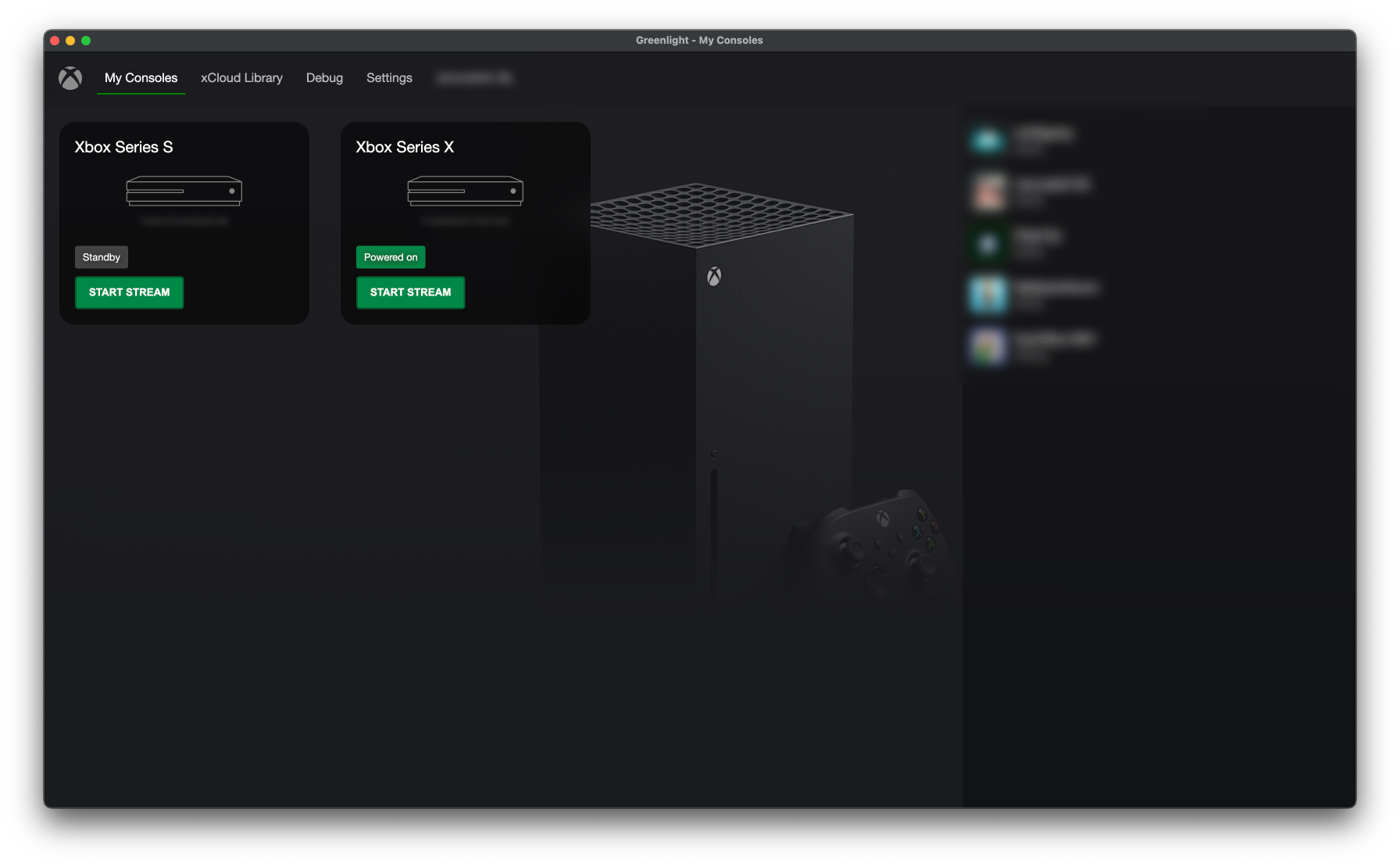
Objectively: Blacklight is a focused streaming client — not a storefront, not a subscription. It connects you to Microsoft's streaming services with a desktop UX that respects your controls and your network.
Browse and launch Xbox Cloud Gaming titles from a native library — search, retries, and clear errors when something goes wrong.
Stream from your own Xbox over xHome when remote play is enabled. See console power state and connect in one click.
Gamepad input with rumble on xCloud, keyboard-to-pad mappings, and optional mouse & keyboard — tuned for desktop play.
See which friends are online before you jump into a session — the same social layer you expect from Xbox.
Force authentication region when you need a specific xCloud datacenter — useful for latency and availability.
A lightweight native shell (not Electron) with a modern Svelte UI and a WebRTC streaming engine you can inspect.
Dark, distraction-free UI — library on the left, stream fills the screen. Press ~ during a session for WebRTC debug stats.
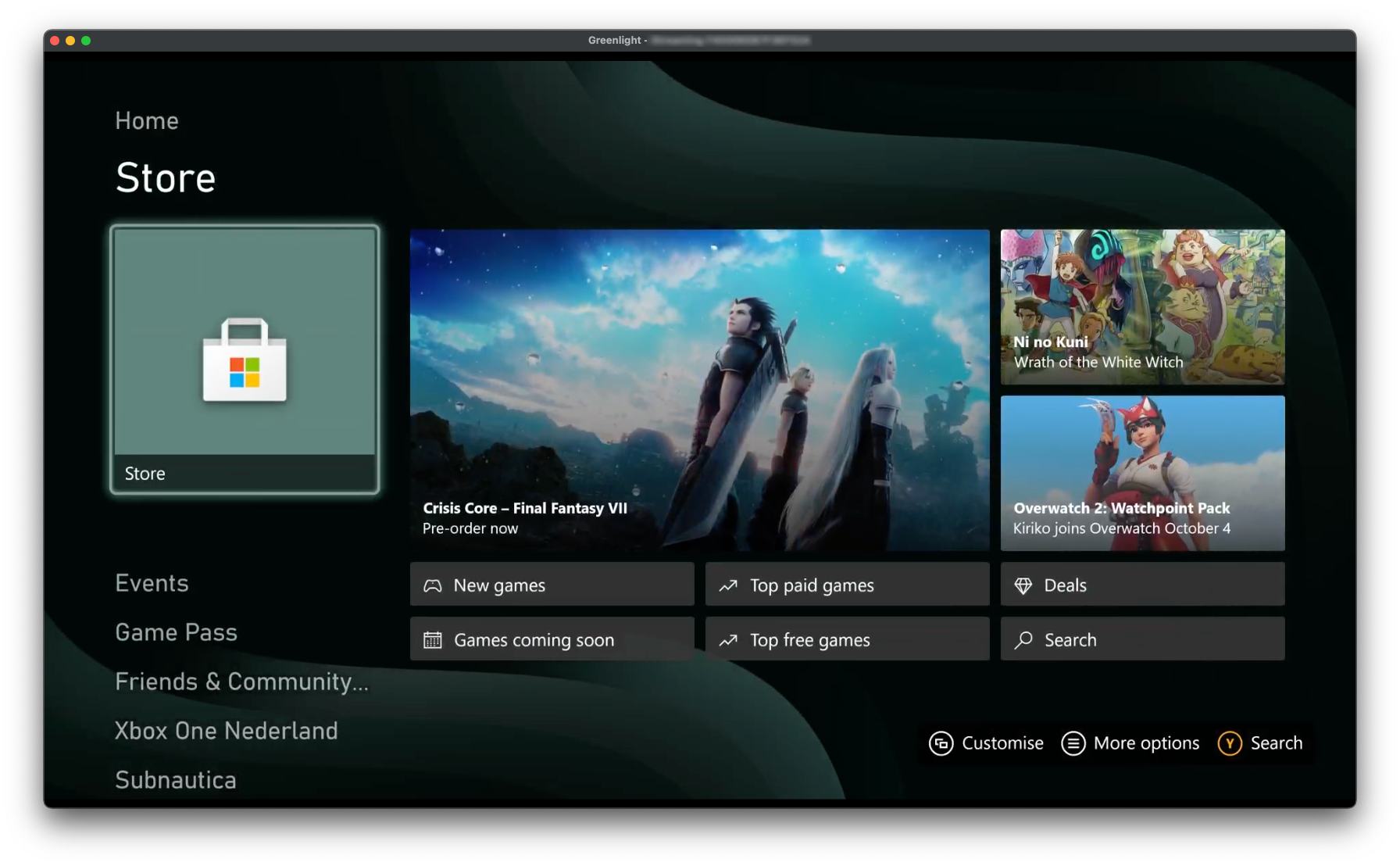
Three steps. No account beyond Xbox. Blacklight does not sell games or subscriptions.
Device-code auth in the app — same Microsoft account you use for Xbox and Game Pass.
Launch from the xCloud library or choose a registered console from My Consoles.
WebRTC connects to Xbox servers or your console. Plug in a controller or use keyboard mappings.
Blacklight evolved from the Greenlight community fork and is now maintained as an independent product. Source is on GitHub — inspect the player, report issues, or build from source if pre-built binaries are not enough.
Blacklight is community-driven. Pick the right channel on GitHub — bugs, ideas, or general feedback.
Crashes, stream issues, auth errors — use the bug template and include debug stats (press ~ during a stream) if you can.
Open on GitHubMissing a capability? Describe what you need and how you'd use it in the feature request template.
Open on GitHubGeneral thoughts, questions, or how Blacklight works on your setup — we'd like to hear from you.
Open on GitHub